Guide // Drive865 direct vs. Turo
Booking direct vs. Turo: the full breakdown
Compare the trip you would actually book: the car, final total, requirements and pickup arrangements.
Explore the current cars
Quick answer
Compare the final quotes for the same vehicle, dates, pickup arrangement and driver details on each booking channel. Review the included mileage, fees, protection choices and cancellation terms; the lower total depends on the actual trip.
Start with the actual listing
The vehicles below are the current direct-booking fleet. If you also search Turo, check its current listings separately; a car shown here does not establish marketplace availability.
Compare the vehicle, passenger capacity, transmission and pickup arrangement before comparing totals.
Get quotes for matching dates
Compare the final quotes for the same vehicle, dates, pickup arrangement and driver details on each booking channel. Review the included mileage, fees, protection choices and cancellation terms; the lower total depends on the actual trip.
If you have a promotion or account credit, check its current eligibility and the amount applied in the quote. Do not assume a benefit transfers between booking channels.
Check driver and coverage requirements
Review the current driver eligibility and document requirements in the booking flow and rental terms. Each person who plans to drive must complete the required approval steps before driving.
Check the current rental requirements and ask your insurer or benefit provider whether the specific driver, vehicle, booking channel and intended use are covered. Do not assume that a personal policy or card benefit covers every rental.
Read the cancellation and change terms
Check the policy attached to each proposed booking before paying. Note how changes, cancellations and refunds are handled and which channel you must contact.
Use the current policy for your reservation rather than a cancellation window quoted in an older article.
Follow the booking channel’s instructions
Keep the confirmation and pickup instructions for the booking you make. Use that channel to submit documents, communicate about changes and follow any support process.
For a direct booking, choose a current vehicle below and select your trip dates and times. The booking flow shows the remaining steps for your request.
Current cars for your trip
See full fleet →Compare prices for your dates
14 current options. Enter your trip times once, then choose a vehicle to check availability.
Earliest pickup: today at 3:30 PM ET.
Estimates include rental taxes. Optional extras and airport exit parking are separate. Your dates carry through to the vehicle page.
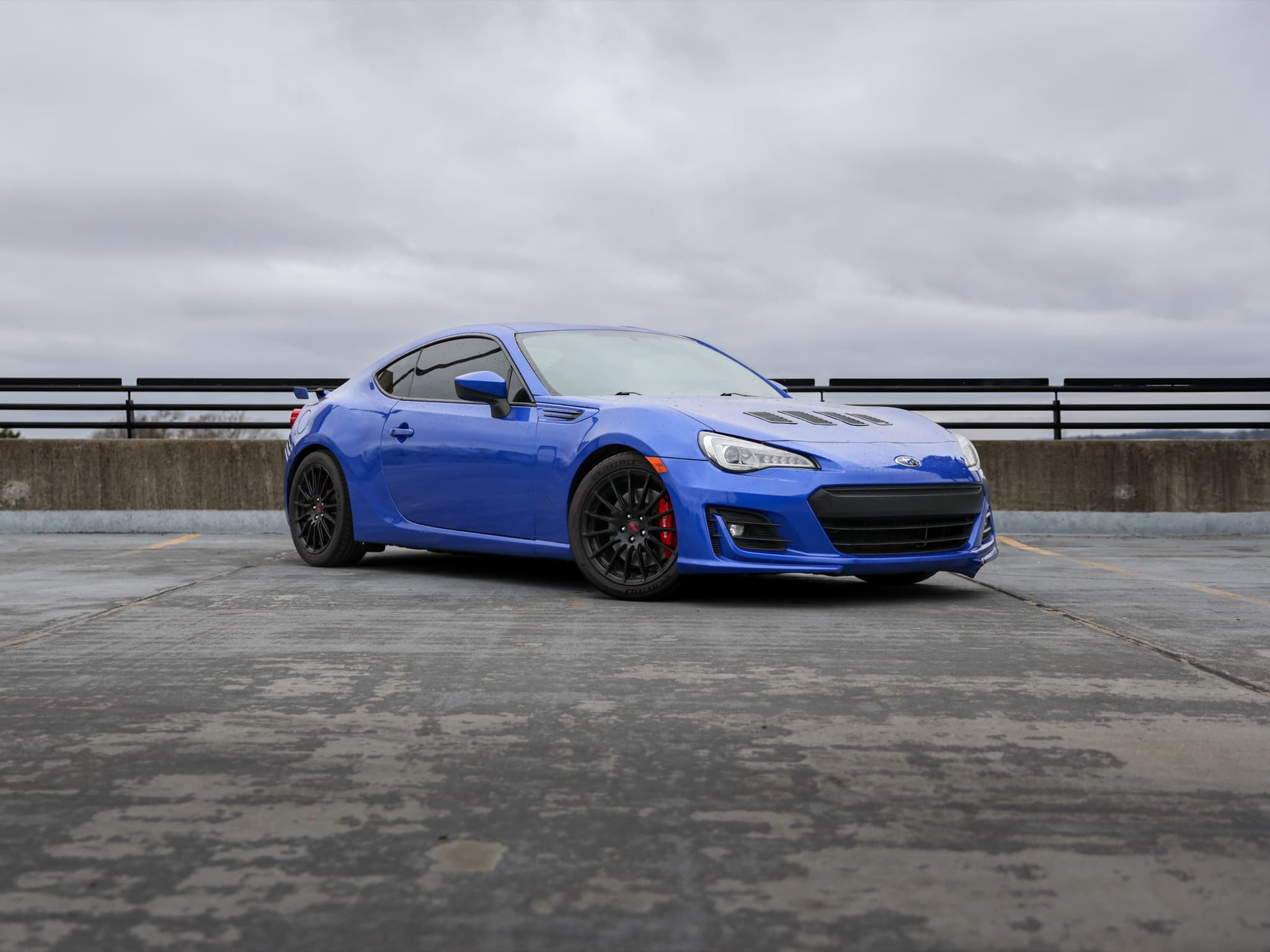
2020 Subaru BRZ Limited
4 seats · Manual · RWD
View vehicle & pricing →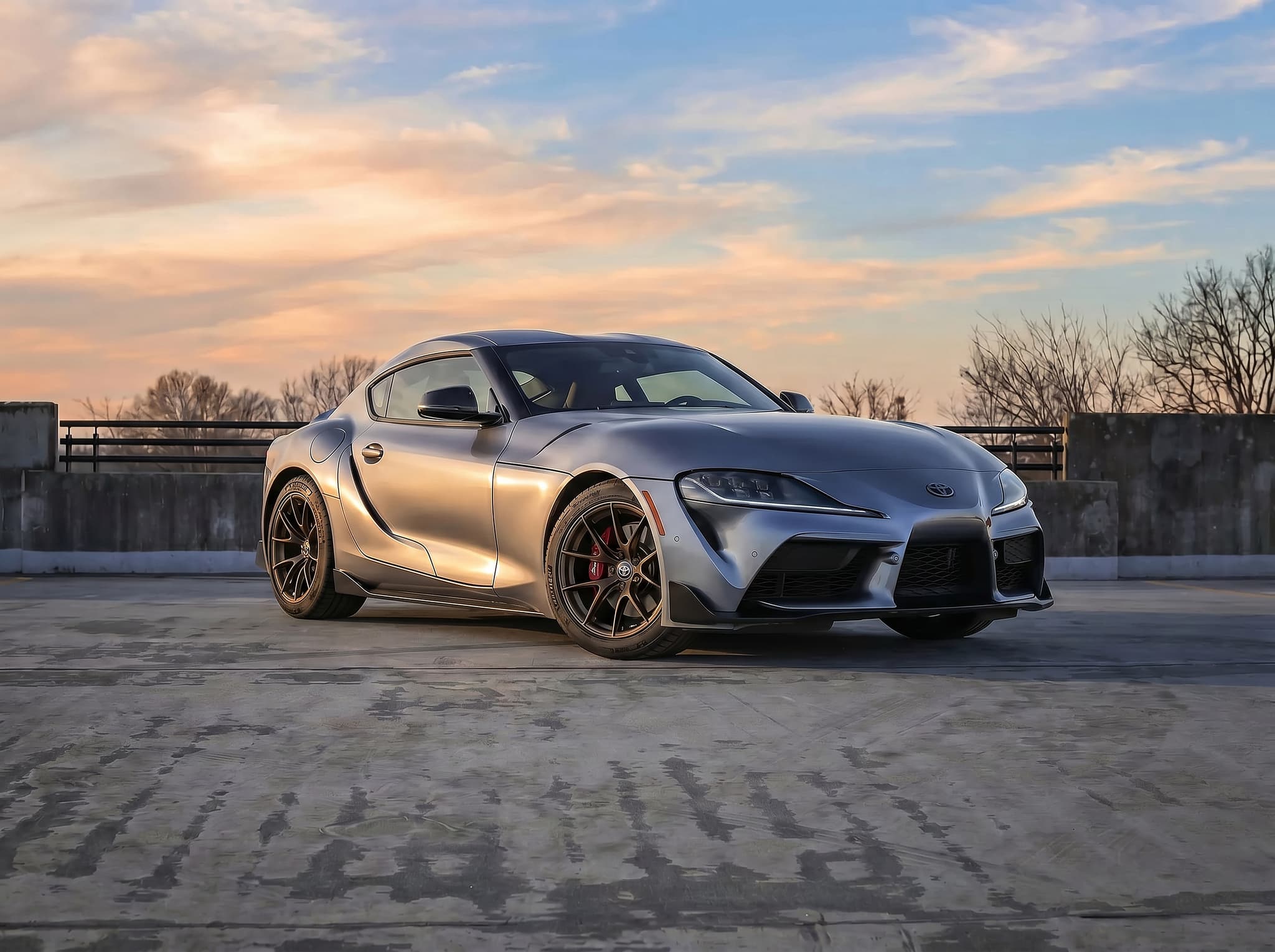
2021 Toyota Supra 3.0 Premium
2 seats · Automatic · RWD
View vehicle & pricing →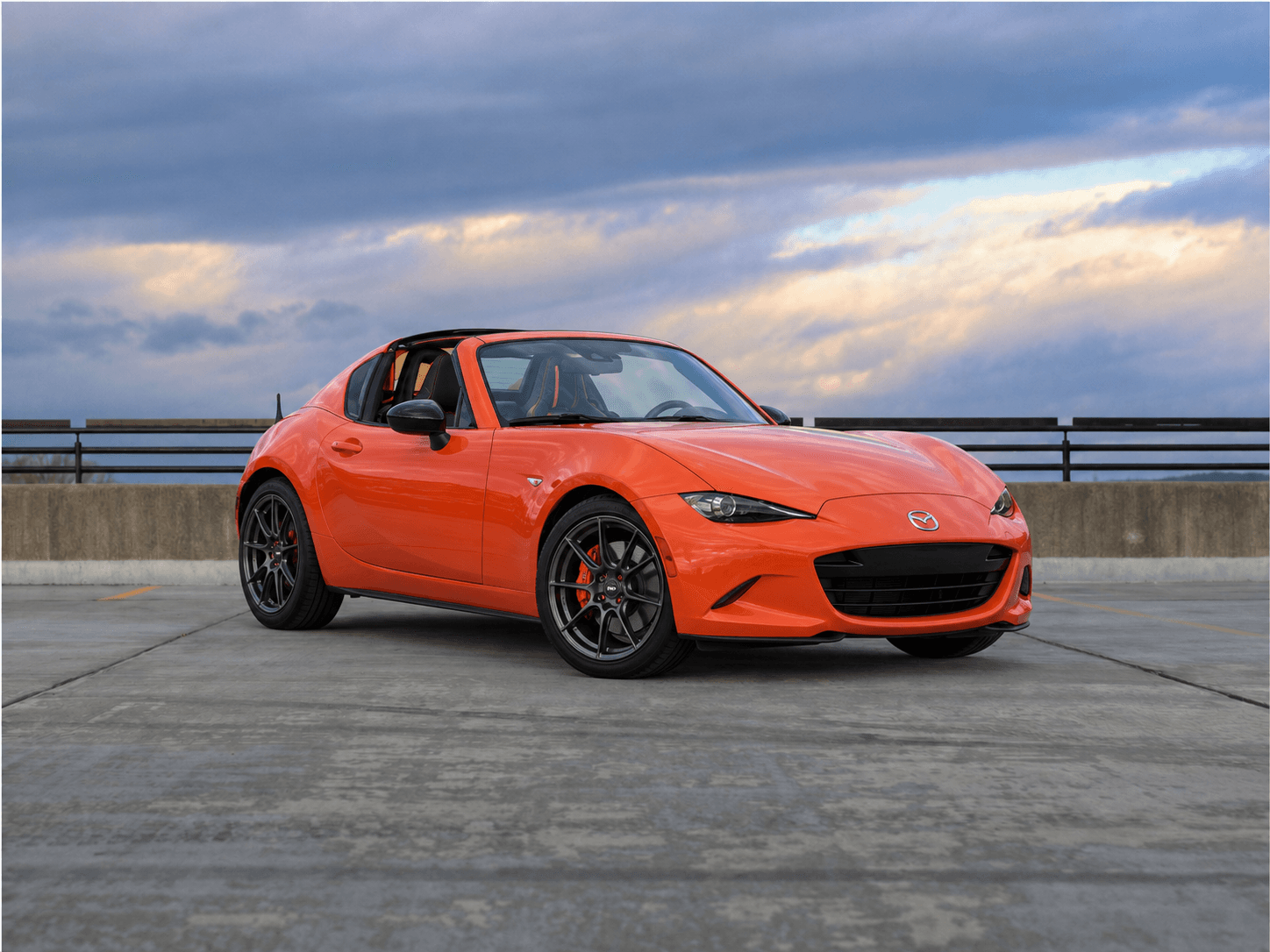
2019 Mazda MX-5 Miata RF 30th Anniversary
2 seats · Manual · RWD · Convertible
View vehicle & pricing →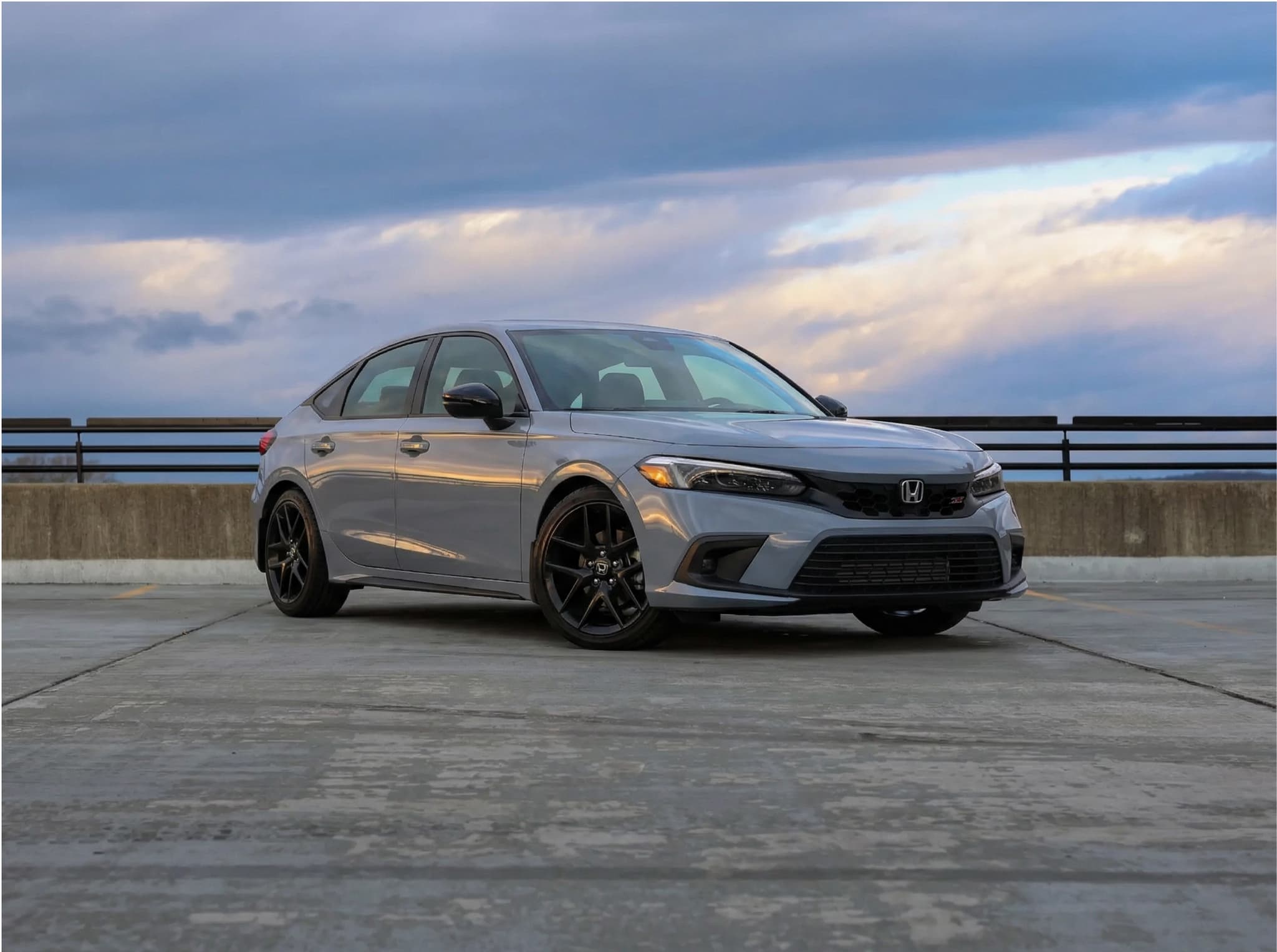
2023 Honda Civic Sport Touring
5 seats · Automatic · FWD
View vehicle & pricing →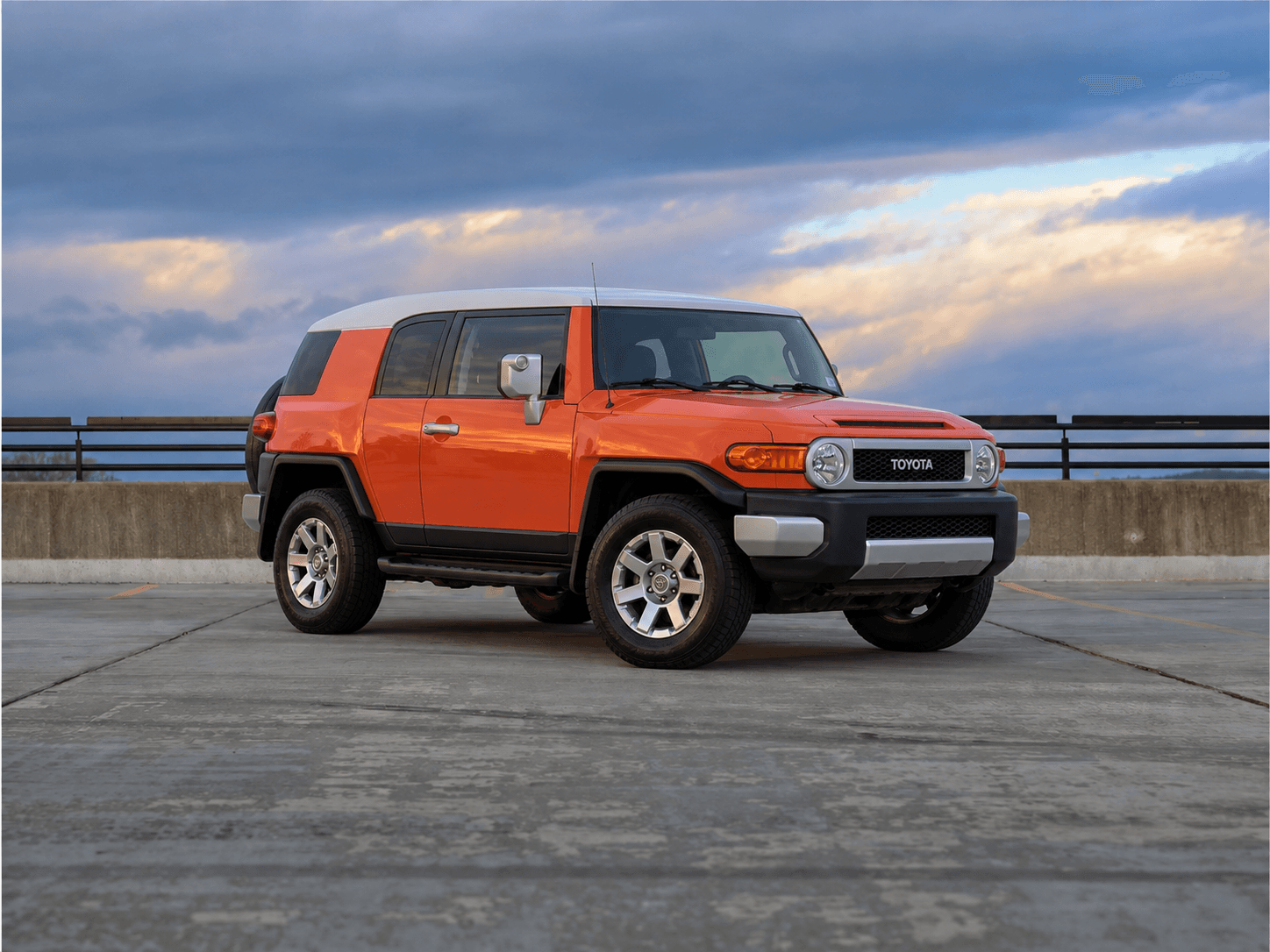
2014 Toyota FJ Cruiser Base
5 seats · Automatic · 4WD
View vehicle & pricing →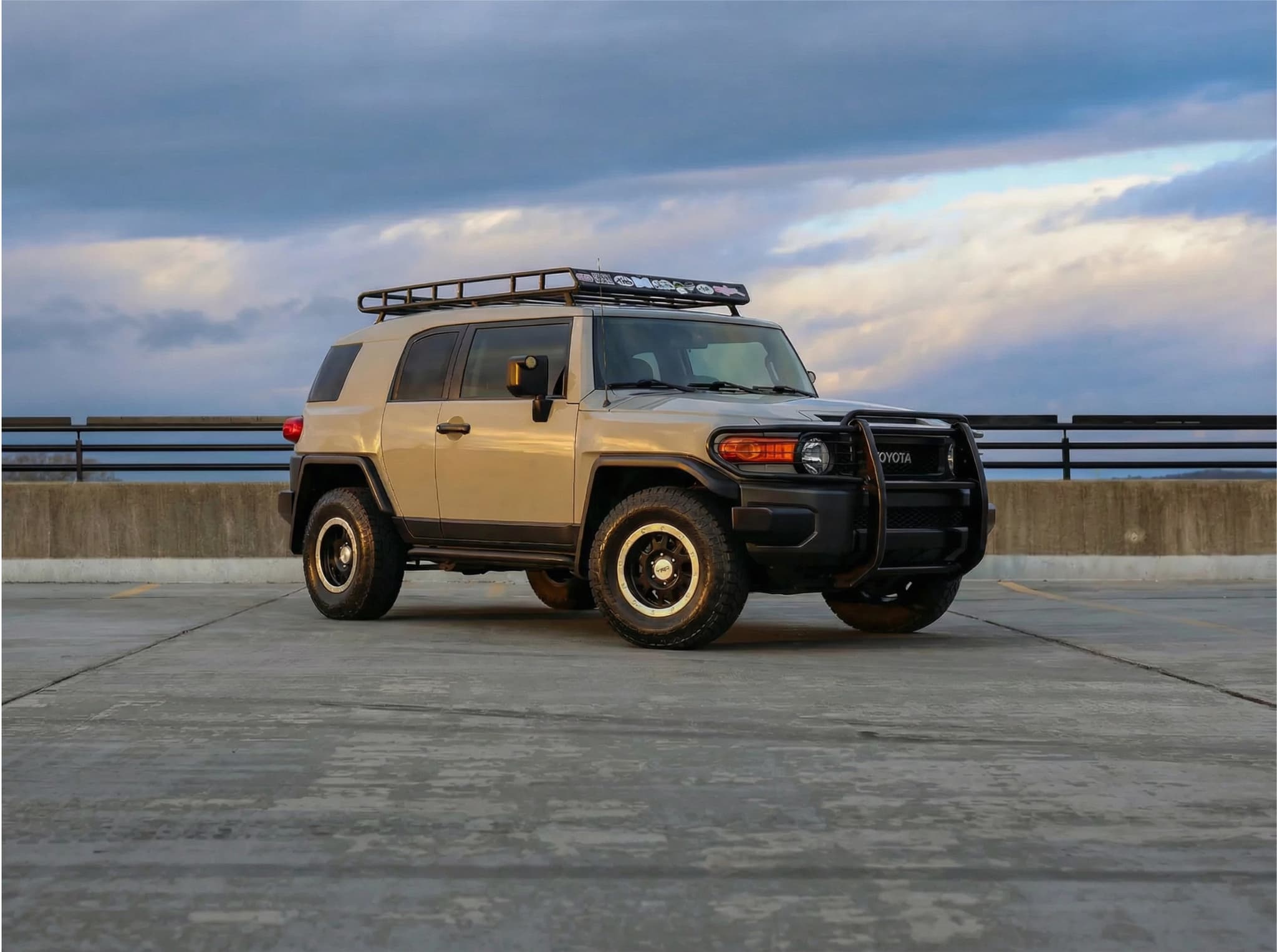
2013 Toyota FJ Cruiser Trail Teams
5 seats · Automatic · 4WD
View vehicle & pricing →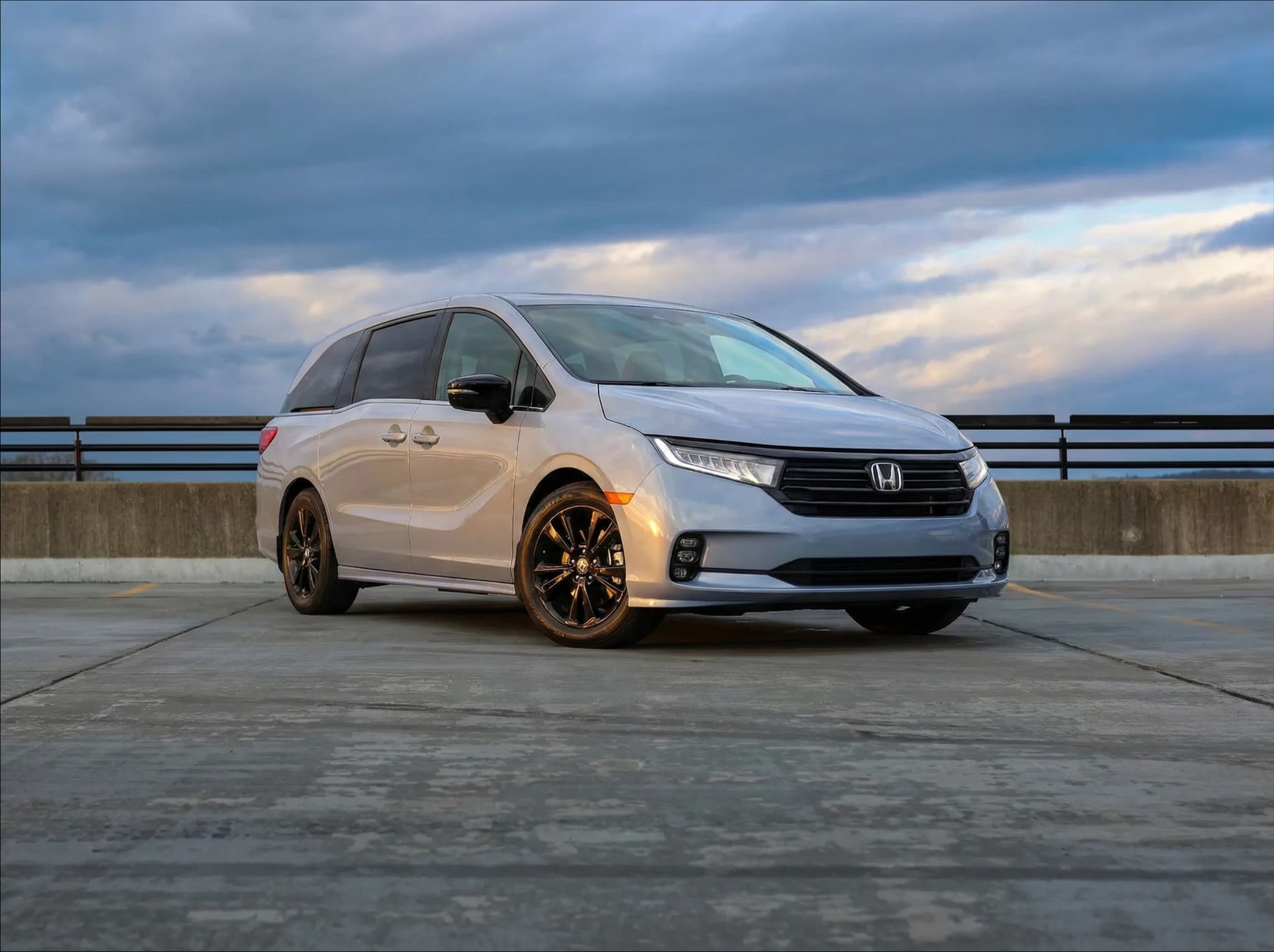
2023 Honda Odyssey Sport
8 seats · Automatic · FWD
View vehicle & pricing →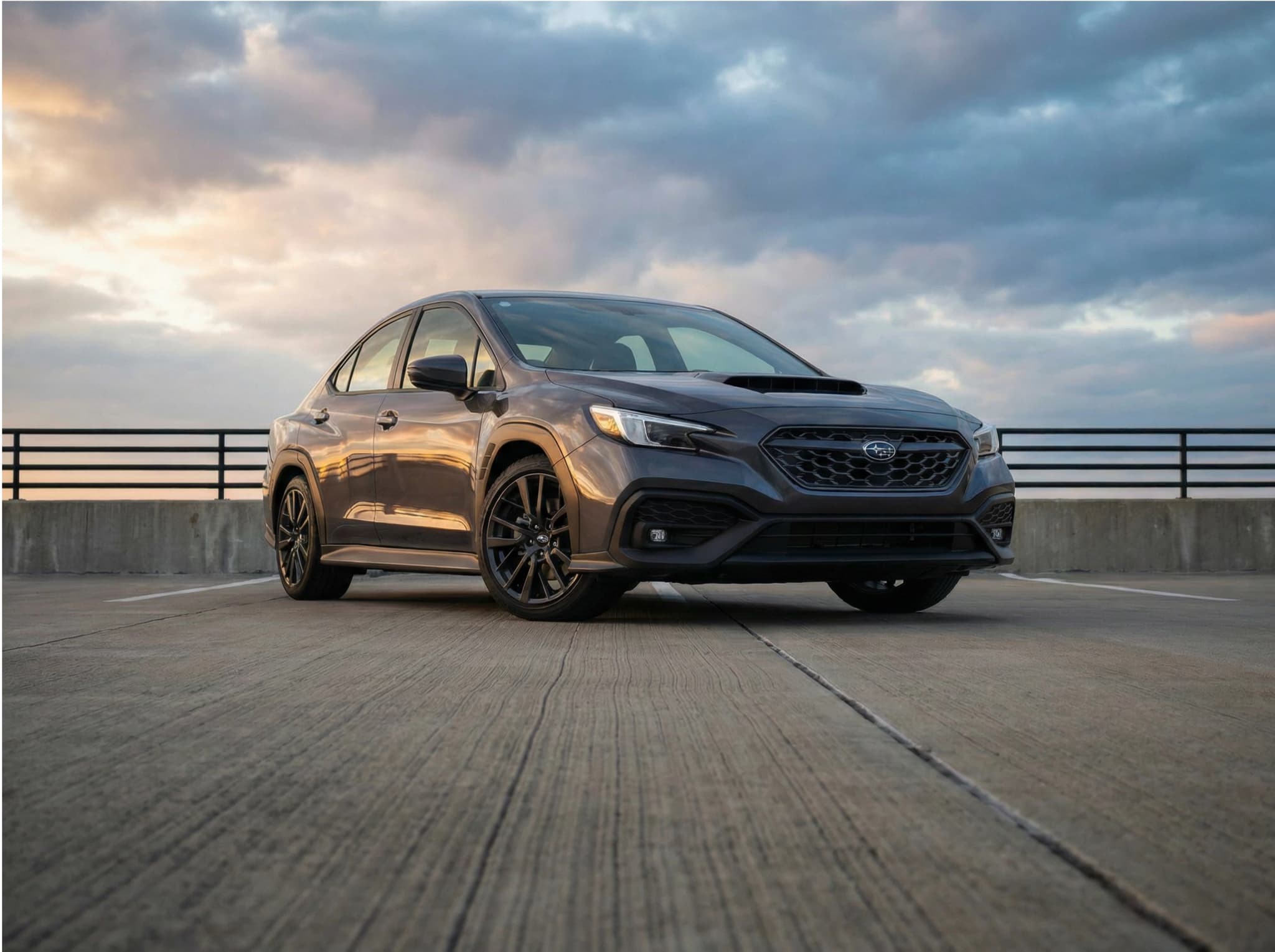
2022 Subaru WRX GT
5 seats · Automatic · AWD
View vehicle & pricing →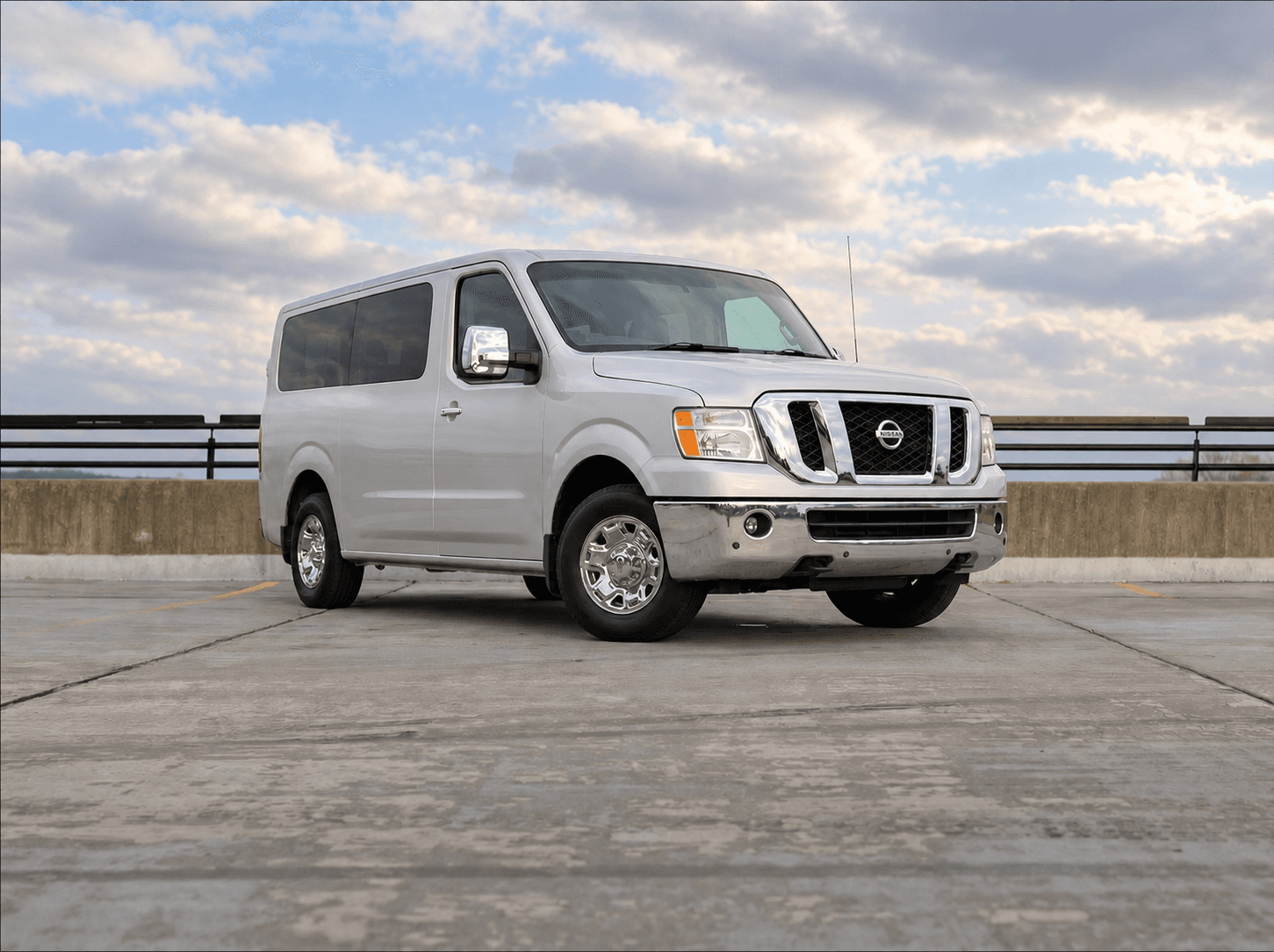
2014 Nissan NV Passenger SL
12 seats · Automatic · RWD
View vehicle & pricing →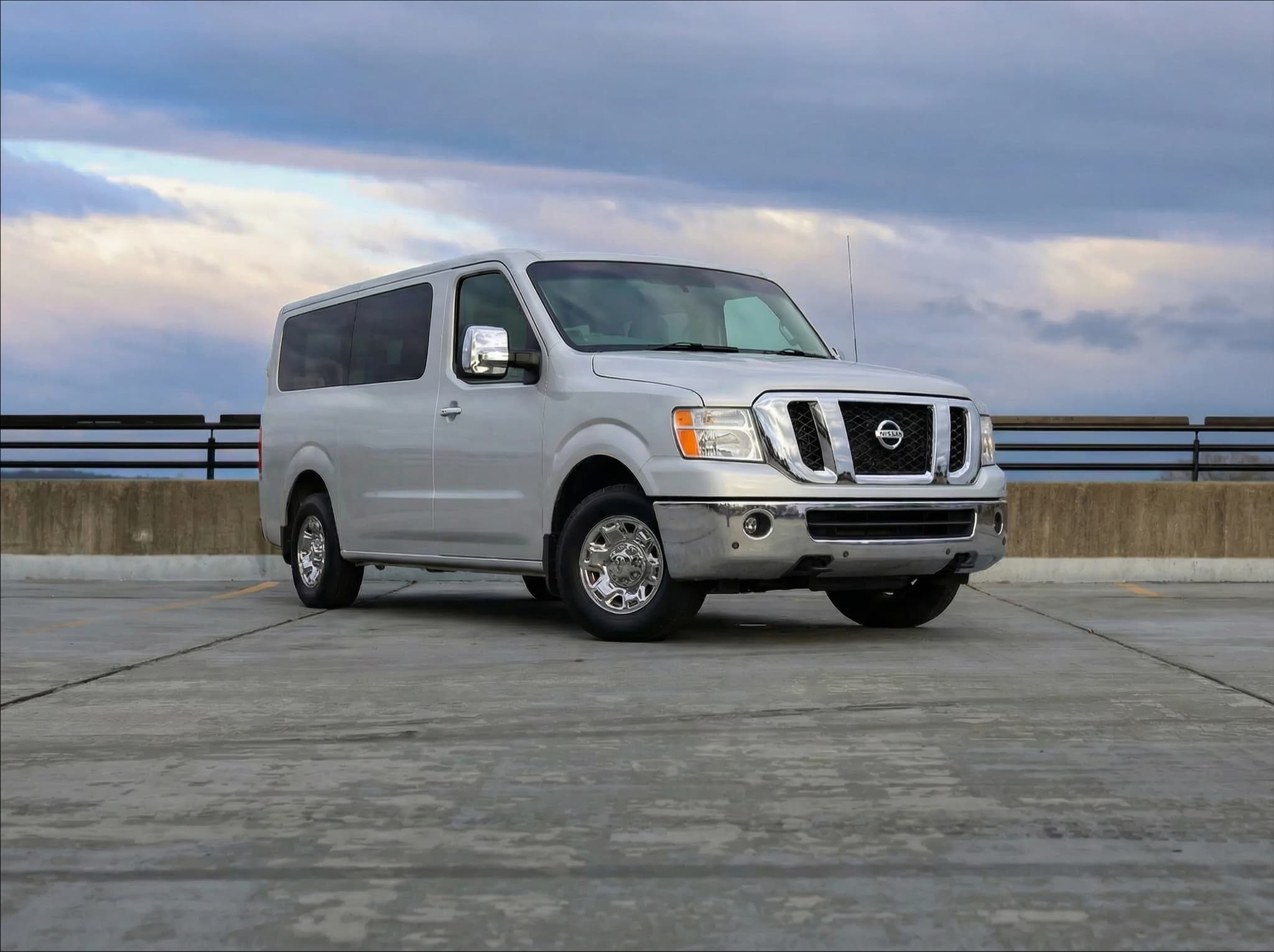
2017 Nissan NV Passenger SL
12 seats · Automatic · RWD
View vehicle & pricing →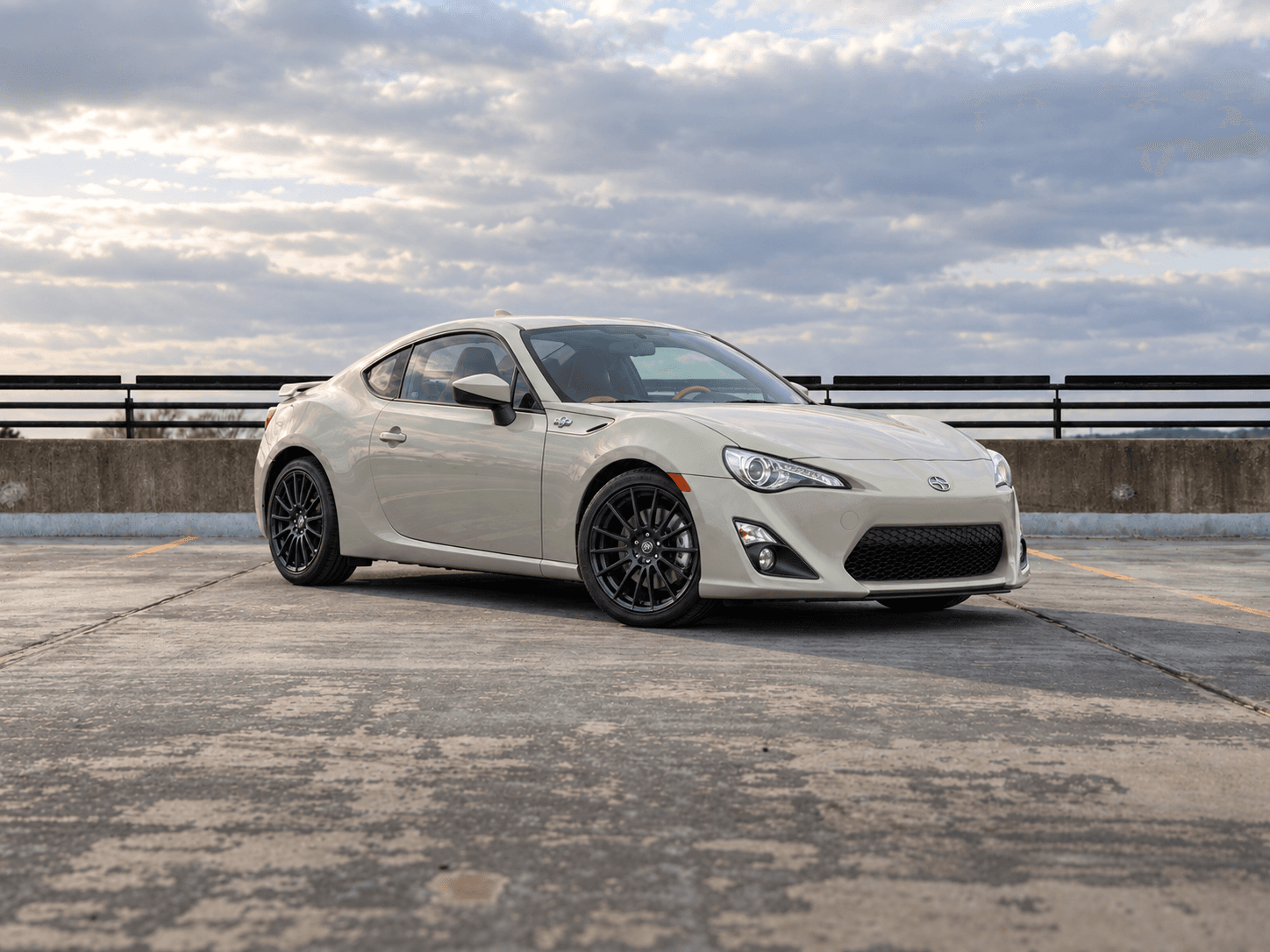
2016 Scion FR-S Release Series 2.0
4 seats · Manual · RWD
View vehicle & pricing →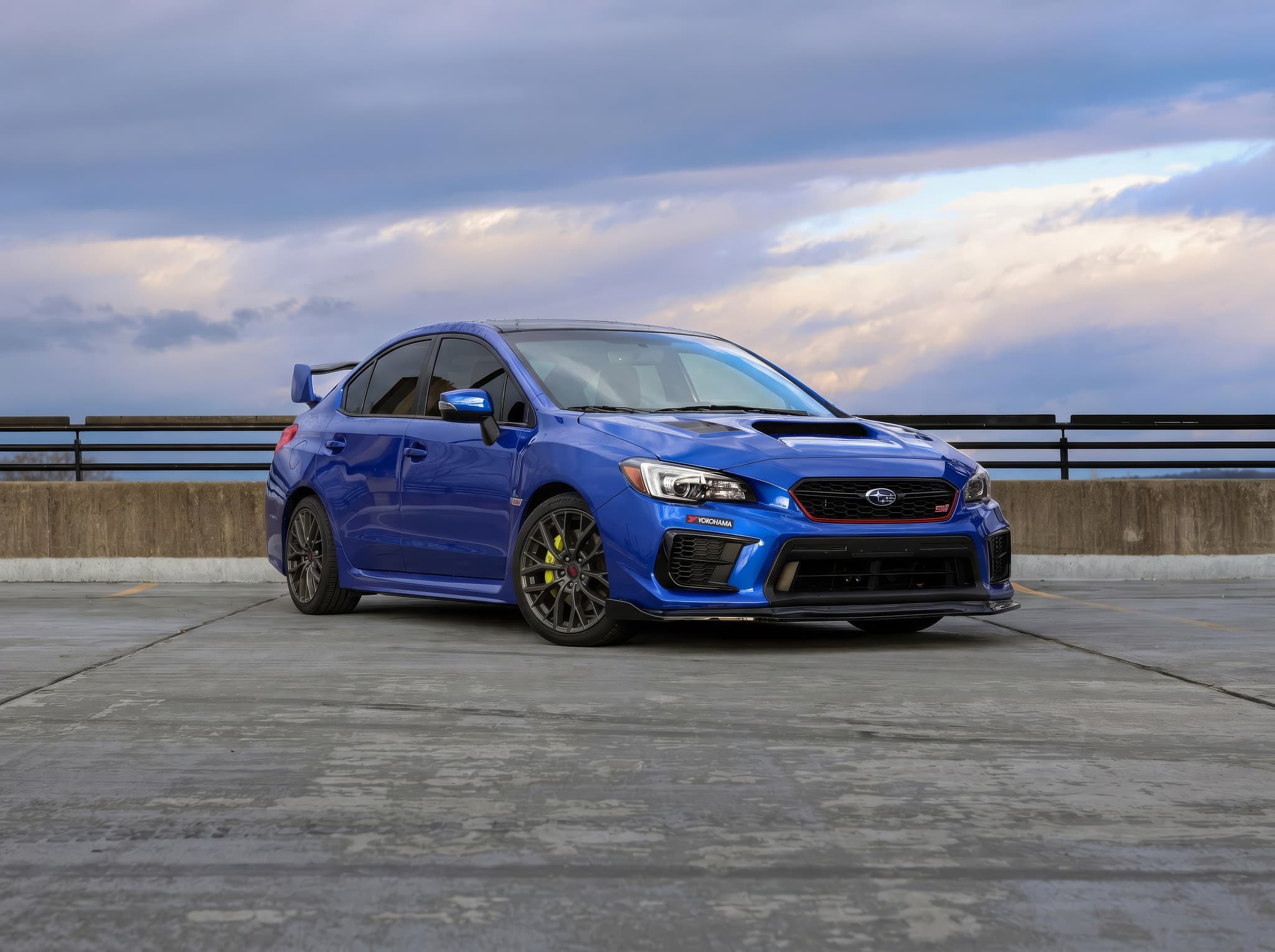
2021 Subaru WRX STI Base
5 seats · Manual · AWD
View vehicle & pricing →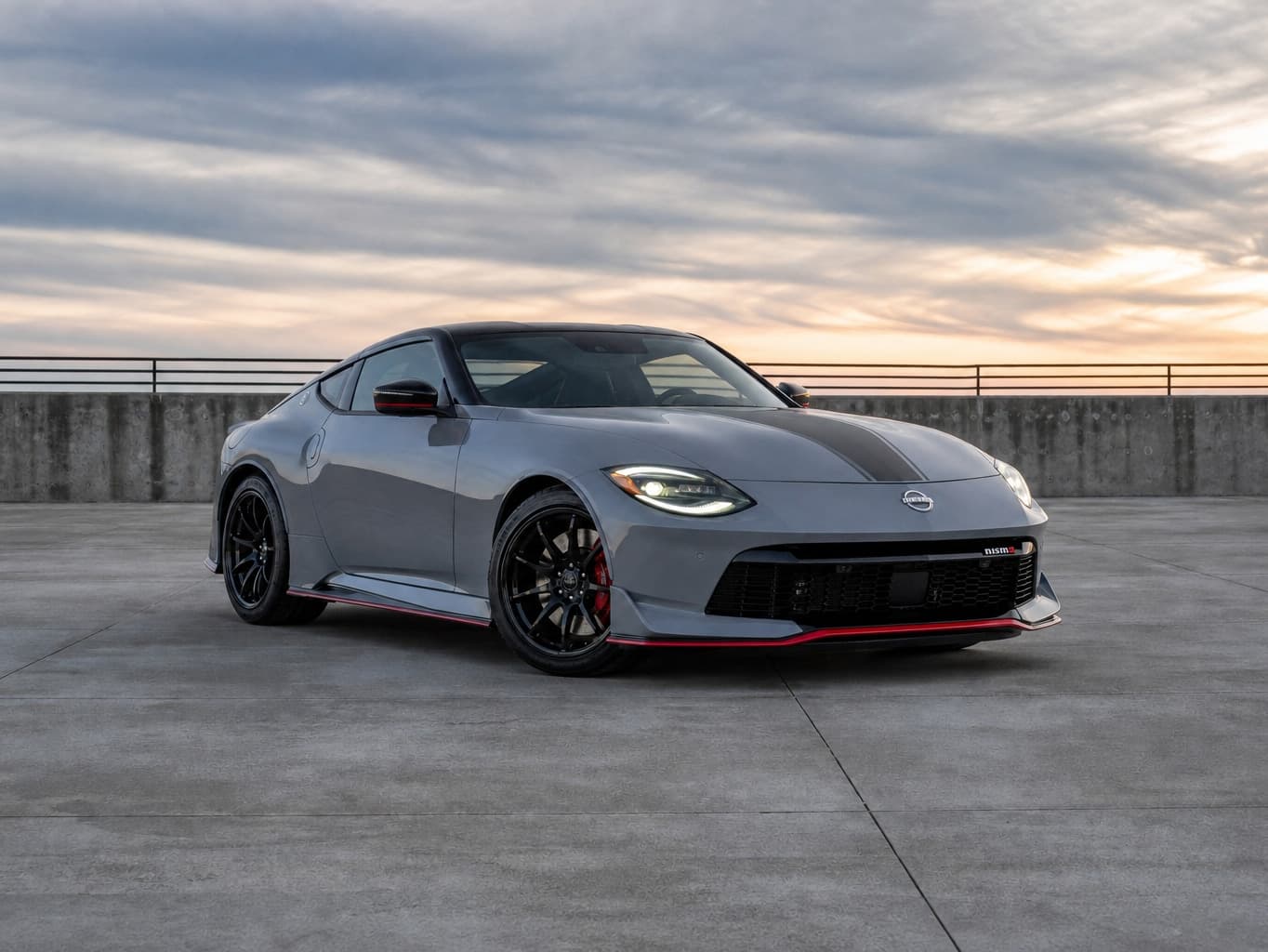
2024 Nissan Z NISMO
2 seats · Automatic · RWD
View vehicle & pricing →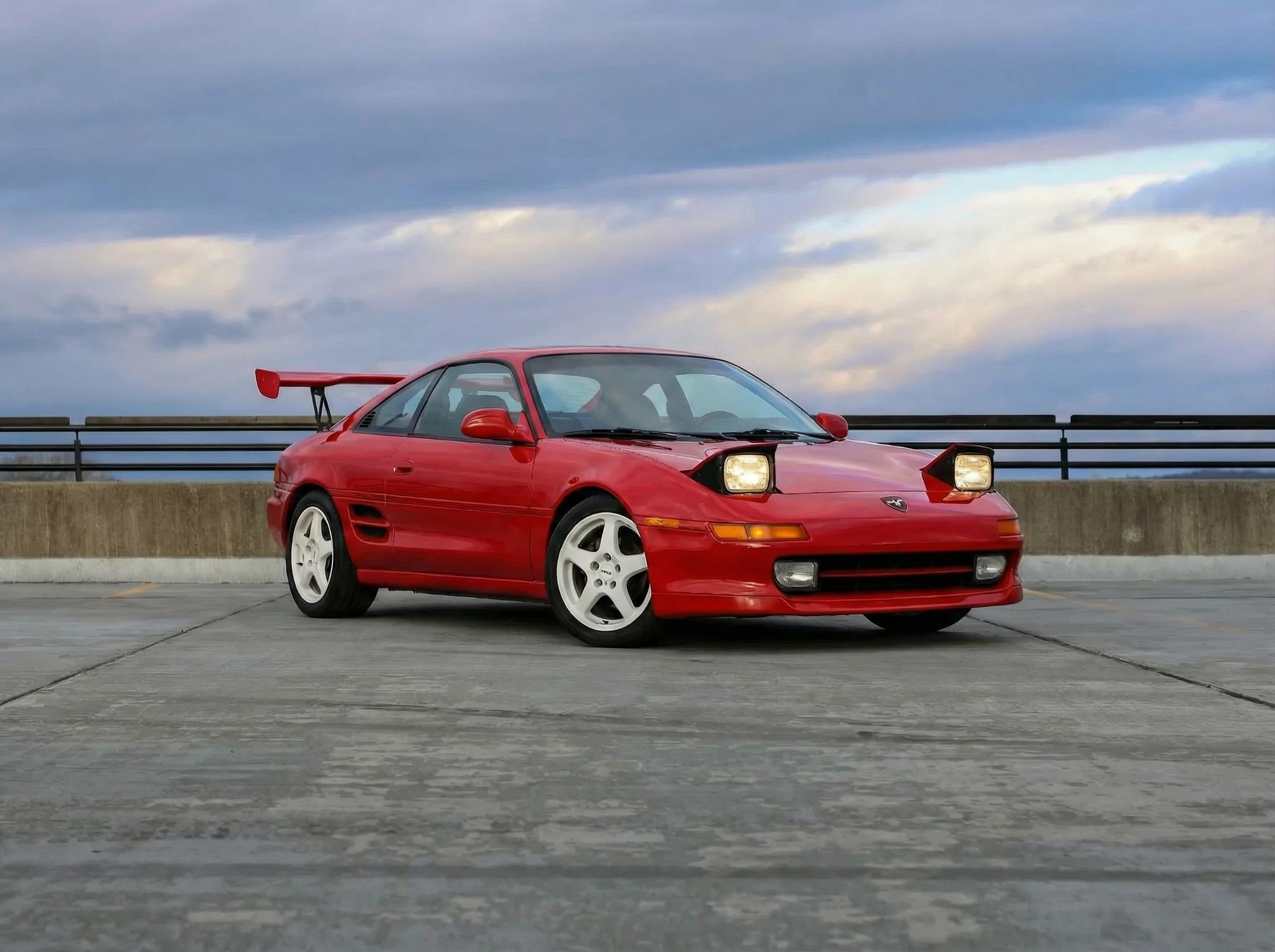
1994 Toyota MR2 GT-S
2 seats · Manual · RWD
View vehicle & pricing →Ready to request a trip? You'll create an account, verify your email and phone, and provide your driver's license, a selfie and insurance details before submitting. A request is reviewed before your booking is confirmed.
Need help with seating, luggage or pickup? Ask us before you book.
Frequently asked questions
Is direct booking always cheaper?
Compare the final quotes for the same vehicle, dates, pickup arrangement and driver details on each booking channel. Review the included mileage, fees, protection choices and cancellation terms; the lower total depends on the actual trip.
Are all direct listings also on Turo?
Check each channel’s current listings and calendar. The cards on this page describe the direct-booking fleet.
Can I use credits or a promo code on either channel?
Review the terms of the credit or promotion and confirm it is applied in your booking’s quote. Eligibility is specific to the offer and channel.
Which cancellation policy applies?
The current policy for the booking you make applies. Read it before paying and use the same booking channel for any change or cancellation request.
How do I request a direct booking?
Open a vehicle and select your trip start and end dates and times to see pricing. Review the trip total and booking requirements before submitting a request; a listed vehicle is not a guarantee of availability for your dates.
Related
Related
Drive865 vs. Turo: comparison page
The structured comparison page for Drive865 versus Turo across fleet, price, process, and protection.
Related
Rental car insurance in Tennessee explained
Questions to ask your insurer or benefit provider about the exact rental.
Related
Off-airport rental explained
Compare pickup arrangements, current quotes and booking requirements.
Related
TYS pickup
The Drive865 location page: lockbox logistics and what to expect at pickup.
Current rental vehicles